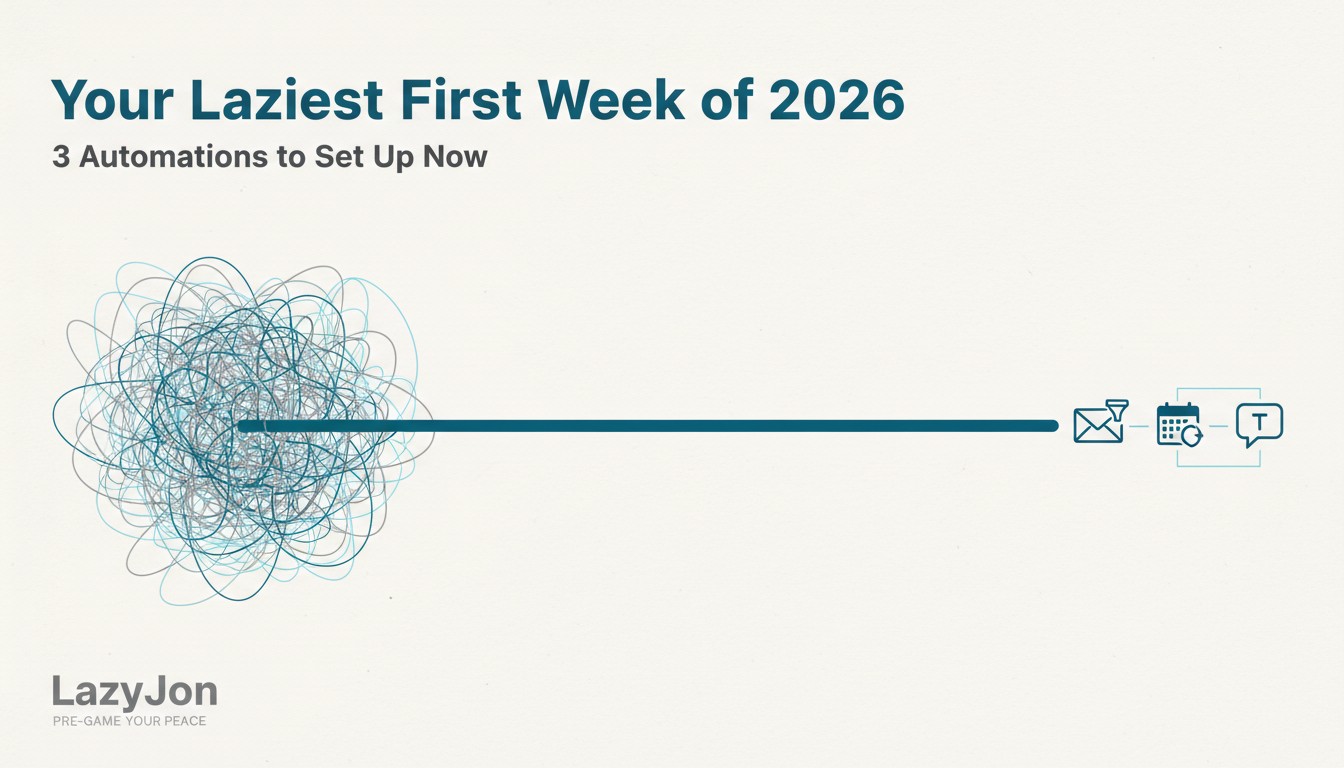
The holiday hangover is real, and it’s staring you down like an untamed inbox and a calendar full of urgent-yet-avoidable meetings. You just unplugged, only to plug back into a digital dumpster fire. The stress of “catching up” before you even start is already threatening to kill your 2026 vibe.
Most people dive back in, fingers blazing, frantically triaging emails, scheduling endless “let’s sync” calls, and typing out the same explanations for the fifth time. It’s a performative act of “busyness” that feels productive but drains your energy and sets a chaotic precedent for the entire year. You’re working hard, but not smart.
This brute-force approach guarantees you’ll spend more time reacting than actually achieving anything meaningful, and it feeds the perception that legitimate work must look hard.
The LazyJon Way: Pre-Game Your Peace.
Instead of letting the new year ambush you, use the last gasps of holiday calm to install digital guardians. This isn’t about being disengaged; it’s about being strategically absent from the noise so you can be fully present for the work that matters.
We simplify, automate, and humanize by letting the robots handle the repetitive, predictable tasks so your human brain can tackle the complex, creative stuff.
📧
Email Autopilot: Your Inbox, Now a Luxury Lounge.
Action: Set up intelligent filters and rules.
How:
- Use built-in features like Gmail filters or Outlook rules.
- Alternatively, explore tools like SaneBox for more advanced options.
- Create folders for newsletters, project updates, and direct requests.
- Automatically move low-priority emails or mark them for later review.
Benefit: Reduces inbox clutter and highlights important messages, cutting down on the average 121 emails per day you’d otherwise manually process.
🗓️
Calendar Concierge: Meetings Without the Mayhem.
Action: Implement a scheduling automation tool.
How:
- Sign up for Calendly, Zencal, or use Google Calendar’s scheduling features.
- Sync your availability.
- Set buffer times between meetings.
- Integrate with your video conferencing tool.
- Share your link instead of negotiating times.
Benefit: Eliminates endless back-and-forth, respects your focus blocks, and automatically handles reminders, boosting the 70% of adults already using digital calendars to new levels of efficiency.
💬
Templated Talker: Say It Once, Send It Often (Smartly).
Action: Create and deploy quick response templates.
How:
- Use Gmail’s “Canned responses,” Outlook’s “Quick Parts,” or a dedicated text expander like TextExpander.
- Draft responses for common questions (e.g., “What’s my availability?”, “Where can I find X document?”, “Standard project update”).
- Personalize with placeholders for names.
Benefit: Saves significant typing time, ensures consistent communication, and allows you to respond faster to routine inquiries, leveraging the power of automation often reserved for marketing into your personal workflow.
By investing a small amount of “lazy” time now, you won’t just survive the first week of 2026; you’ll thrive. You’ll step into the new year with a pre-configured calm, free from the tedious administrative churn.
This isn’t just about saving time; it’s about reclaiming your mental energy, reducing stress, and fostering the clarity needed for truly impactful work. You’re not cutting corners; you’re building a smarter, more human-centric workflow where technology works for you, not the other way around.
Welcome to a year where “lazy” means profoundly productive.